

Reddit Video to MP3 - Convert Any Reddit Video in Seconds
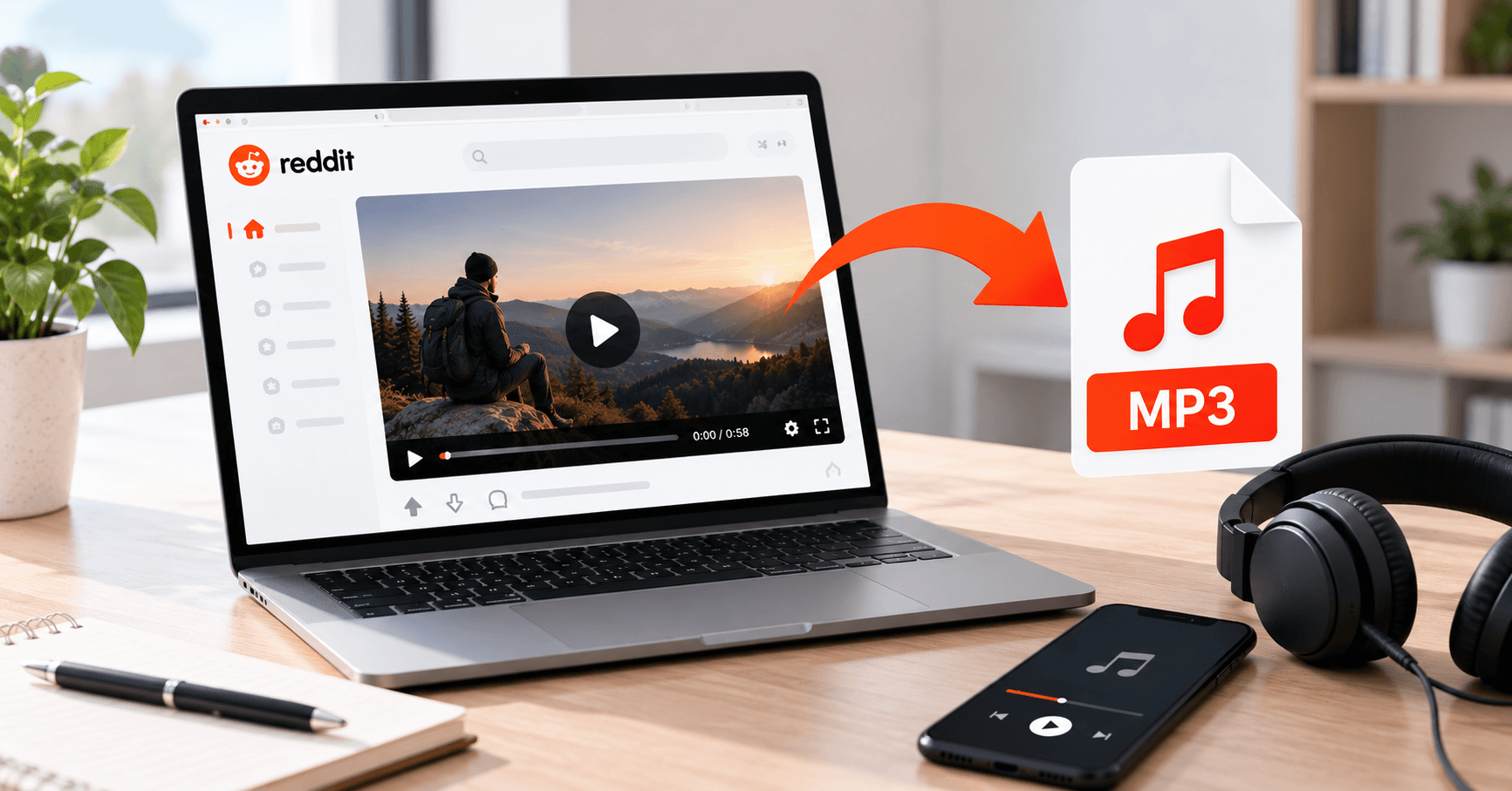
Some Reddit videos are worth watching once. Others are worth listening to again and again. It might be a song someone played live, a clip from a podcast, a funny voice memo, or an interview you want to hear on your way to work.
The problem is that Reddit doesn't give you any way to save just the audio. You can watch the video inside the app, and that's about it. In this guide, you'll learn how to convert any Reddit video to MP3 in a few seconds using a free Reddit video downloader, on your phone or your computer.
Why Save Reddit Audio as MP3?
MP3 is the most common audio format, and it plays on practically every phone, computer, speaker and car stereo. That makes it the easiest way to keep the sound from a Reddit video.
People save audio from Reddit for all sorts of reasons:
- Keeping a song or cover from a music subreddit
- Saving short podcast or interview clips to listen to offline
- Collecting sound effects or voice clips for video editing
- Listening to long talks or stories while driving or working out
- Saving space on your phone, since audio files are much smaller than videos
That last point matters more than most people think. A one-minute video in HD can easily take up 40 MB or more. The same minute as an MP3 is only a few megabytes. If you mostly care about the sound, keeping the whole video just fills up your storage for no reason.
Can You Download MP3 Directly from Reddit?
No. Reddit doesn't have a download button for videos, and it definitely doesn't have one for audio.
On top of that, Reddit stores the sound of a video as a separate file from the picture. That's also why so many people end up with silent videos when they try to save a clip. If you've run into that issue before, we've explained it in our post on why Reddit video downloads have no sound.
Some people try to get around this by screen recording the video and then converting it with another app. It works, but it's slow, and the result usually includes notification sounds, taps and background noise. A proper tool saves you all that trouble.
The Easier Way: Use a Reddit Video Downloader
A good Reddit video downloader can do more than just save videos. That's where RedLoad comes in. Along with downloading full videos, it lets you pull the audio out of a Reddit post and save it as a standalone MP3 file.
It grabs the audio straight from Reddit, so you're not recording anything off your speakers. The MP3 is saved at up to 320 kbps, which is the highest quality the MP3 format offers. There's no account to create, no watermark, and no pop-up ads to close before you get your file.
Since it runs in your browser, you can use it on an Android phone, an iPhone, or any computer without installing anything.
How to Convert a Reddit Video to MP3: Step by Step
Here's how to get the audio from a Reddit post in under a minute:
- Find the post. Open Reddit and go to the video you want the sound from.
- Copy the link. Tap Share under the post and choose Copy Link. On a computer, you can copy the URL from the address bar instead.
- Open RedLoad. Go to the Reddit video downloader in any browser.
- Paste the link. Drop it into the input box and tap the download button.
- Choose the audio option. From the list of formats, pick the MP3 audio-only option instead of a video quality.
- Save the file. The MP3 will download to your device, ready to play.
That's it. You don't need a separate converter or any editing software.
How to Save Reddit MP3 on Android, iPhone and Computer
On Android
After you tap download, the MP3 usually lands in your Downloads folder. Most music players on Android will pick it up automatically after a moment. If yours doesn't, open your file manager, find the file in Downloads, and play it from there.
On iPhone and iPad
iPhones do things a little differently. Safari won't drop the file into your music library. It goes to the Files app instead. Open Files, check the Downloads folder, and your MP3 will be sitting right there. Tap it and it plays. The nice part? The audio keeps going even after you lock your screen, so a 40-minute interview won't cut off the moment your phone goes dark.
On Windows, Mac and Linux
On a computer, the MP3 lands in your usual Downloads folder, and pretty much any media player will open it without complaint. Want just a slice of the clip, like the chorus of a song or one answer from a long interview? Grab Audacity. It's free, open source, and once you've trimmed a file in it a couple of times, the whole job takes about two minutes.
MP3 or M4A: Does the Format Actually Matter?
Some download tools offer M4A as well as MP3, so it's worth knowing the difference before you choose.
M4A is a slightly newer format that can sound a little better at the same file size. The catch is compatibility. A few older car stereos, MP3 players and editing programs still don't handle M4A well, while MP3 plays on virtually everything made in the last twenty years.
Here's the short version: for everyday listening on your phone or laptop, pick whichever one you see first. But if the clip is headed for a video editor, an older car stereo, or someone else's device, go with MP3. Nobody has ever sent an MP3 that refused to play, and the same can't be said for M4A.
What If There's No Audio Option?
Every once in a while, you might paste a link and not see an MP3 option at all, or end up with an empty file. This usually happens for one of a few reasons.
The most common one is that the video simply has no sound. Some people upload muted clips, and there's nothing to extract if the audio was never there. You can check this on Reddit by looking for the volume icon on the video player.
GIFs are another reason. Reddit GIFs are always silent, even when they look like short videos, so there won't be any audio to save.
If the post has been deleted by the uploader or removed by moderators, the media may no longer be available either. And finally, double-check that you copied the full post link. Shortened links or links from some third-party Reddit apps don't always point to the actual video.
Tips for Better Audio Quality
The quality of your MP3 depends a lot on the original upload. A song recorded on a cheap phone in a noisy bar will still sound like a cheap phone in a noisy bar after conversion, and no tool can undo that. What you can control is making sure you don't lose any more quality along the way.
Start by picking the highest audio quality on offer. Yes, the file ends up a bit bigger, but you'll hear the difference the moment you put on decent headphones or play it in the car.
Reposts are another quiet quality killer. Every time a clip gets re-uploaded somewhere, it gets compressed again, and a little more detail disappears each round. If the same clip shows up in three subreddits, take a minute to find the original post and download from that one.
It also helps to rename your files right after downloading. A name like "guitar-cover-wonderwall.mp3" is much easier to find later than a random string of numbers.
Using Reddit Audio Responsibly
Saving a clip for your own listening is something most people do without a second thought, and that's fine. Still, it's worth remembering that the audio belongs to whoever made it, and music in particular usually sits under copyright, whether it was recorded in a studio or someone's bedroom.
Planning to use a clip in your own video, podcast or post? Send the person who shared it a quick message before you do. Nine times out of ten they'll say yes, and dropping their name in your credits costs you nothing.
Common Questions
Can I convert any Reddit video to MP3?
You can convert any Reddit video that has sound. Muted videos and GIFs don't have audio, so there's nothing to save from them.
Is it free to use a Reddit video downloader for MP3?
RedLoad is free to use. There's nothing to sign up for, no watermark on your files, and no surprise charge waiting at the end.
How good do the MP3 files sound?
RedLoad pulls audio at up to 320 kbps, the highest bitrate the MP3 format supports. How good the final file sounds still comes down to the original recording, though.
Do I have to install anything?
No. The whole thing runs in your browser, and it works the same on a phone as it does on a laptop.
Where does the MP3 end up on my iPhone?
In the Files app, inside the Downloads folder. Tap it there and it plays, no extra steps.
Can I convert a Reddit video to MP3 on Android without an app?
Yes. Open the downloader in any mobile browser, paste the post link, and choose MP3. The file drops straight into your Downloads folder, nothing to install.
Keep the Sounds You Love from Reddit
Reddit is full of audio worth keeping, from live performances and funny voice clips to interviews and podcast moments. The site just never made saving any of it easy.
Now you don't need screen recordings or a folder full of converter apps. Copy the post link, drop it into RedLoad, hit the MP3 option, and the sound is yours in a few seconds.
Ready to save your own copy?
Paste any Reddit video link and download it in seconds — with sound.

Editor · RedLoad Guides
Lauren Dosela is a digital content writer and technology enthusiast who covers social media, online platforms, and practical web tools. She specializes in turning complex digital topics into clear, useful, and easy-to-follow guides for everyday readers.
Related Guides
Comments
Comments are saved only on this device/browser — they are not shared with other visitors yet.