
How to Download Reddit Videos in Seconds
A complete walkthrough for extracting HD MP4 videos with synchronized studio audio across mobile, tablet, and desktop — no third-party apps or watermarks.
Simple Steps for Saving What Matters
RedLoad was built to make extracting media as natural as sharing it.
Step 1: Copy the Reddit Post Link
Navigate to the post containing the video, GIF, or audio track you want to save. Tap the native Reddit Share button and select "Copy Link".
In the official Reddit app, tap the Share icon beneath the player → select Copy Link. RedLoad handles shortened v.redd.it/redd.it links and direct post permalinks alike.
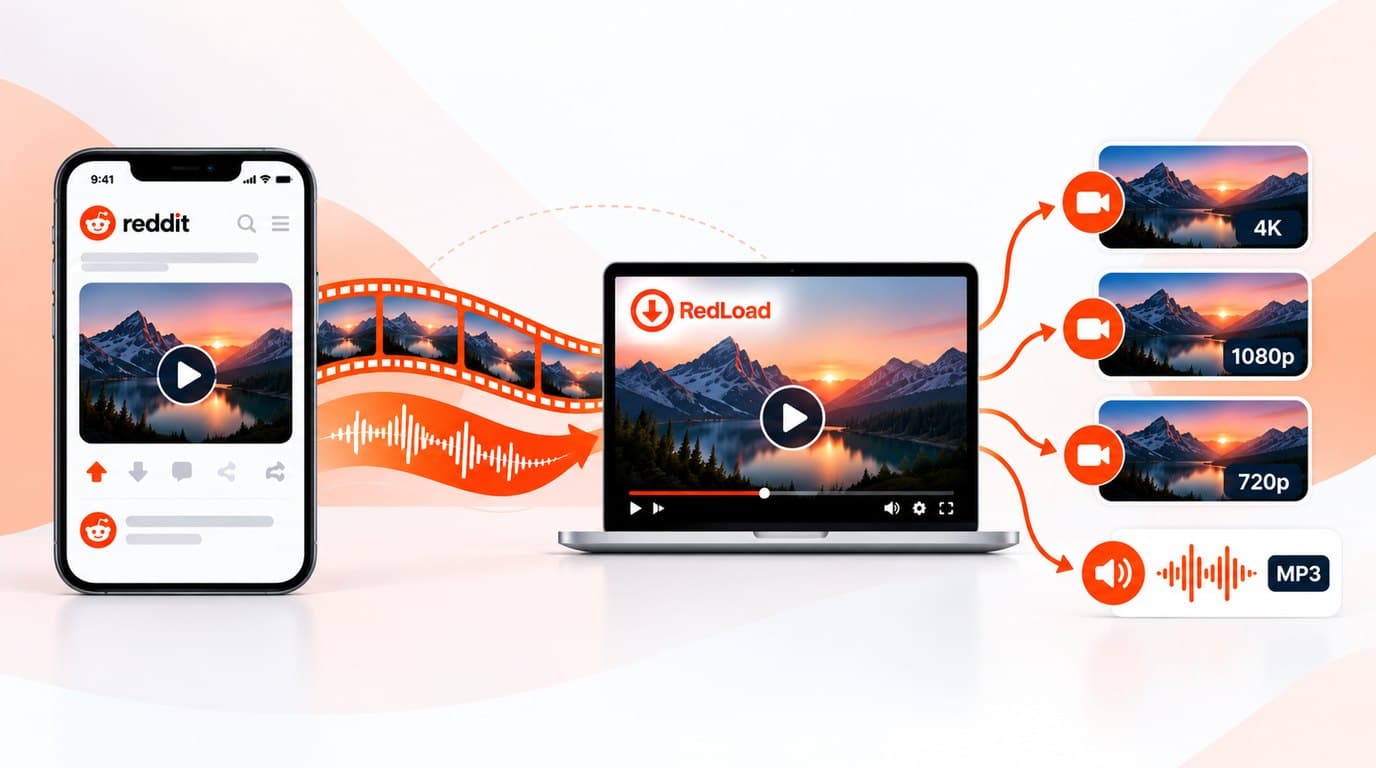
Step 2: Paste URL into RedLoad
Switch to RedLoad.io. Click the input bar and paste your link, or use the built-in Paste button. No registration, no email address, and no client installation needed.
- check_circleClipboard paste with instant URL parsing
- check_circleServer resolves the post through Reddit's public feed
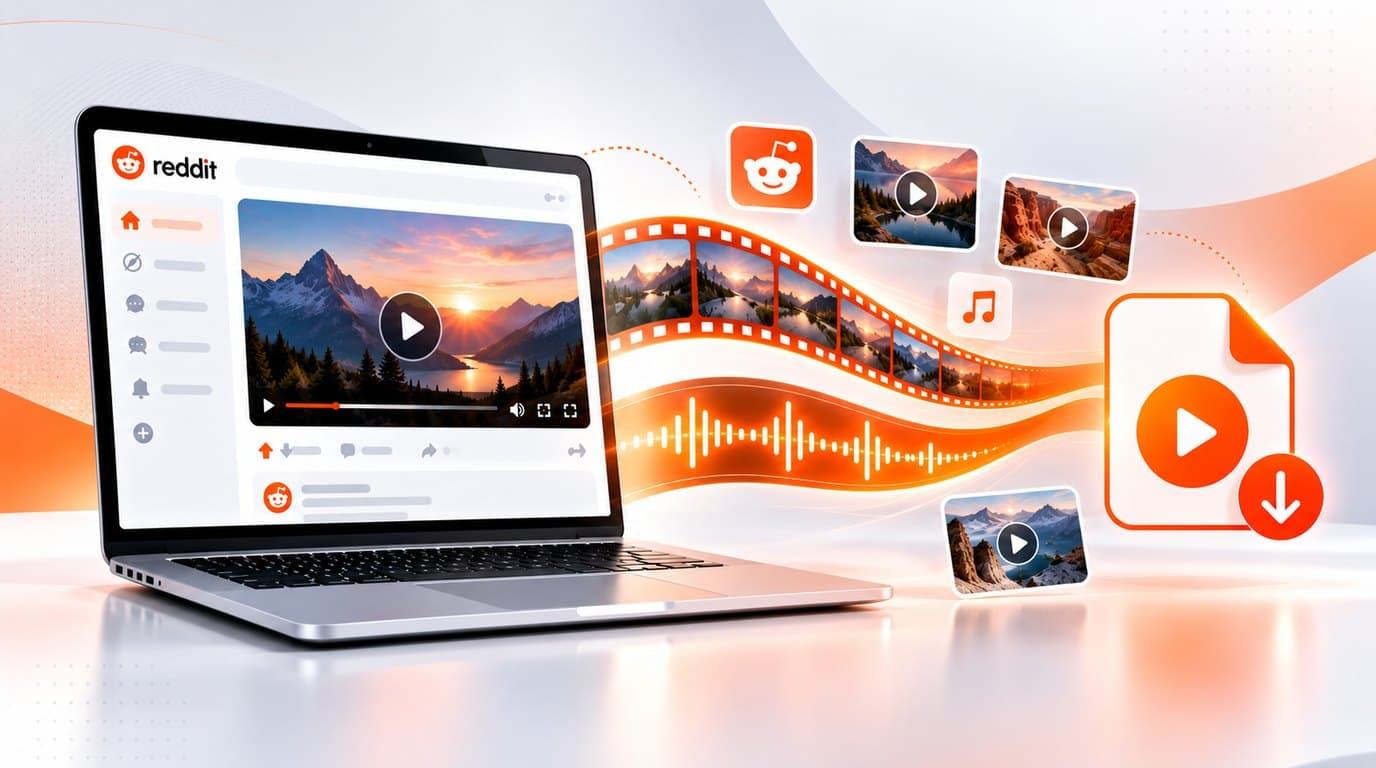
Step 3: Multiplexing & Audio Stitch
This is where RedLoad outclasses ordinary downloaders. Reddit splits media into an isolated video channel and an isolated audio track. RedLoad's server fetches both DASH representations and stitches them into one MP4 with ffmpeg — no re-encoding.
- check_circleVideo and audio representations matched from the same DASH manifest
- check_circleStream-copied, not re-encoded — no generational quality loss
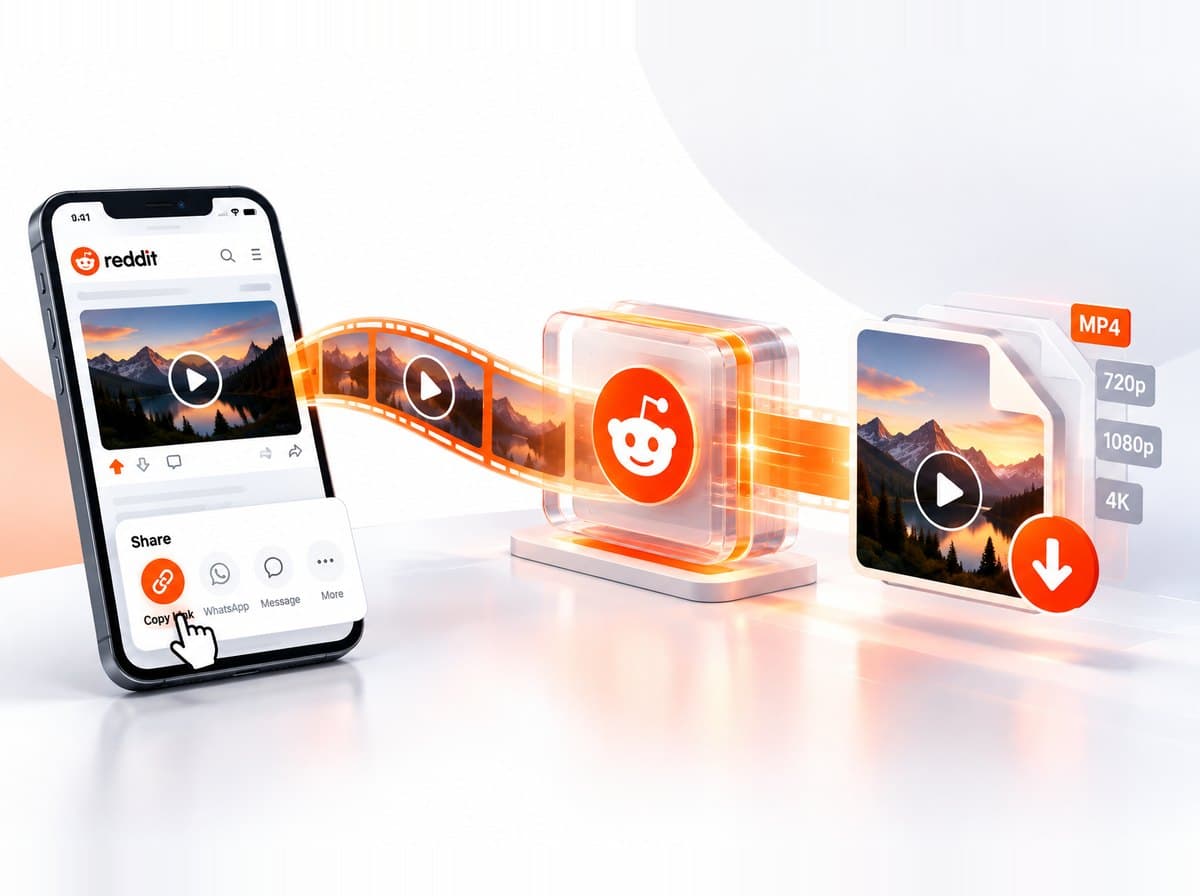
Exact resolutions depend on what Reddit encoded for that specific video — RedLoad reads them live from the DASH manifest instead of guessing.
Step 4: Choose Quality & Save
Select the resolution or format matching your needs. The file streams directly from RedLoad's server as a real attachment download — no ad interstitials, no countdown timers.
Downloads arrive as genuine attachment payloads through your browser. The file is built on RedLoad's own server and handed straight to you.
Why Reddit Videos Download Muted Elsewhere
Ever downloaded a video with a generic tool and gotten a silent clip? Reddit stores video and audio using Dynamic Adaptive Streaming over HTTP (DASH). The visual track is delivered without an audio component; audio is a separate stream entirely.
Standard tools only capture the visible .mp4 frame buffer, completely dropping the standalone DASH audio manifest.
RedLoad's server reads Reddit's public feed for the post, resolves both DASH representations, and muxes them into one MP4 with ffmpeg — copying the streams rather than re-encoding them — before sending the file to your browser.
Guides for Your Specific Device
Whether you are on an iPhone, an Android tablet, or a desktop workstation, saving Reddit videos follows the same intuitive workflow.
iPhone & iPad (Safari)
iOS 13+ native file saving- 1Open Reddit app → tap Share on the post → tap Copy Link.
- 2Open Safari, go to RedLoad.io, paste your URL, and tap Download.
- 3Tap the download indicator to save the MP4, or share it to Camera Roll via the iOS share sheet.
Android (Chrome & Firefox)
Instant Downloads folder saving- 1In the Reddit app or web client, tap Share and choose Copy Link.
- 2Launch Chrome, navigate to RedLoad.io, and paste the clipboard URL.
- 3Tap Save on your preferred format. The MP4 saves into your device's Downloads folder.
Common Issues & How to Fix Them
Here is how to resolve the handful of edge cases RedLoad can run into.
Private or Removed Posts
If a subreddit is private, or the author deleted the video, RedLoad cannot access the underlying DASH stream — Reddit's API returns the same restriction to us that it shows you.
Unsupported Link Type
RedLoad extracts native Reddit videos, GIFs, images, and galleries. External embeds (YouTube, RedGIFs, Imgur) aren't hosted by Reddit and fall outside what this tool can extract.
Large or Long Videos
Muxing happens server-side in real time. Very long videos take longer to download and remux than short clips — the request stays open until it finishes.